Godot 4 autotile generator
Deterministic autotiles for Godot 4. AI only paints the textures.
Design the terrain once — TileSmithy computes every edge, corner and transition, then exports a working tileset.tres with terrain bits painted and collisions included. Measurably seamless: 0.014% reconstruction difference, verified in real Godot.
No AI in your geometry. Ever. Textures are optional — and labeled.
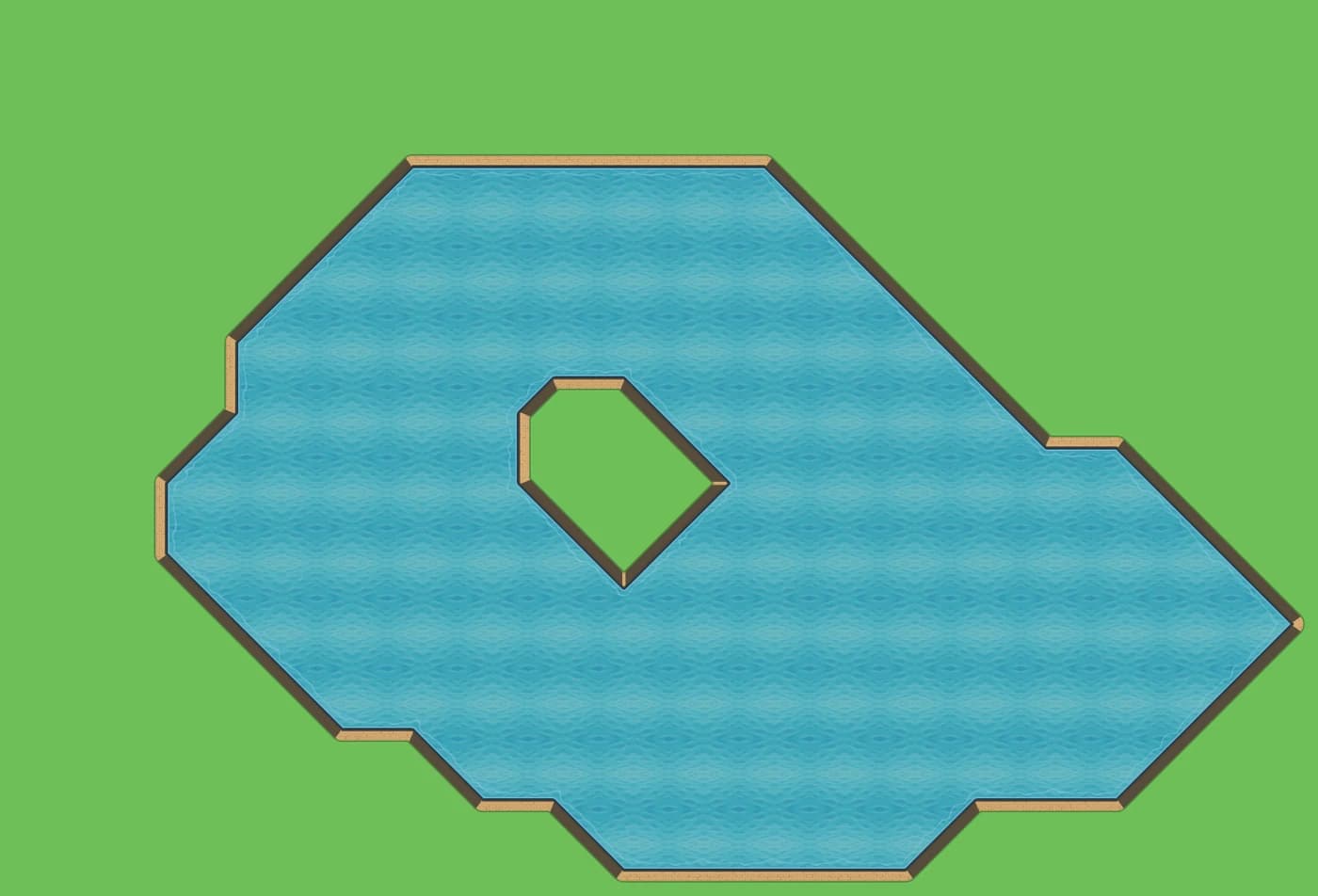
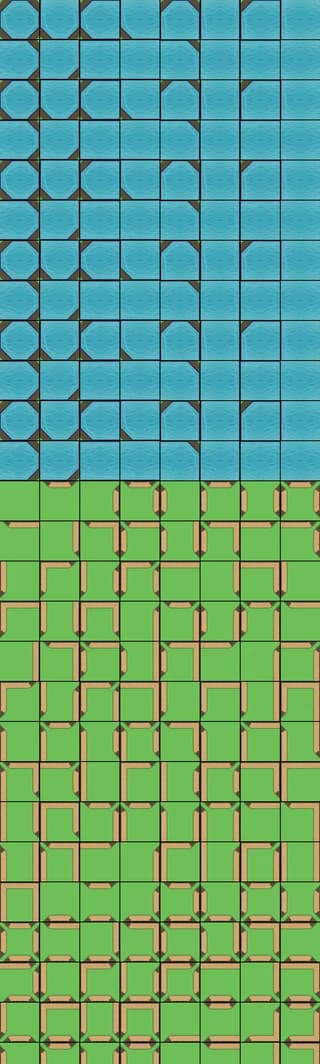
The pipeline, honestly
Geometry is math. Texture is paint.
Both maps below are the same tileset: identical grid, identical edges, identical collision shapes. The only difference is an optional texture pass — the one thing we let AI do, and the one thing you approve.

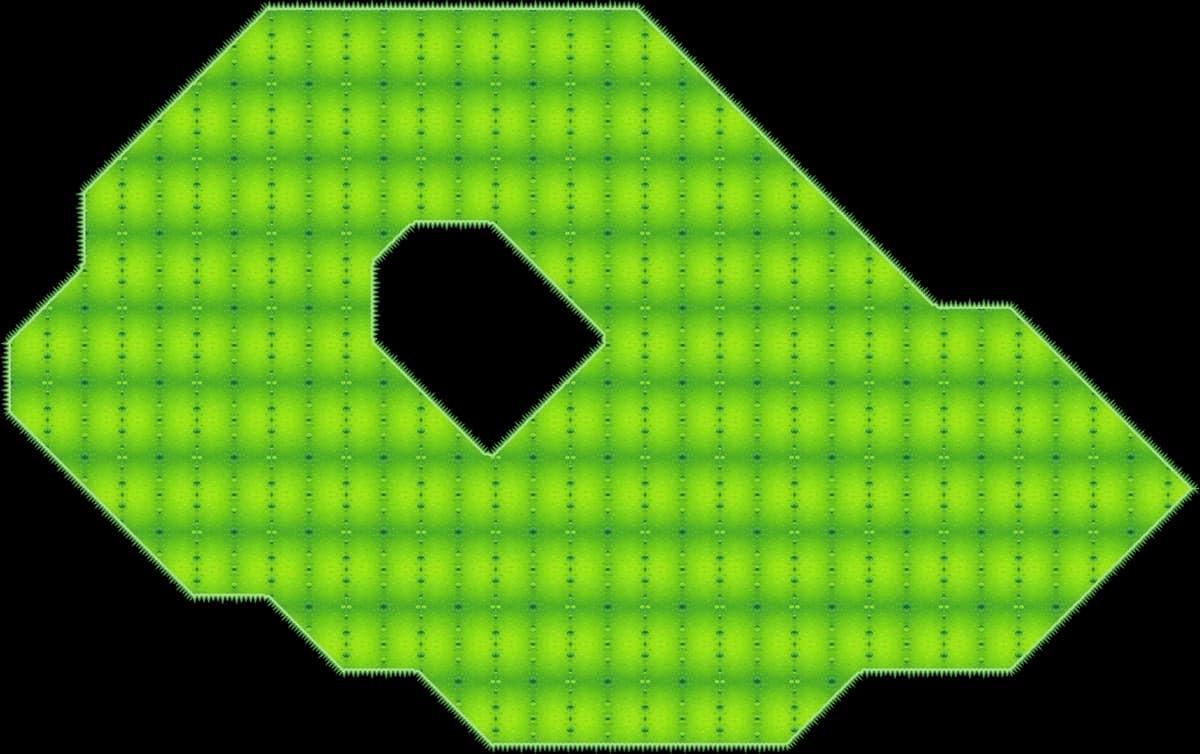
Live metric from this tileset: difference between the continuous render and the tile-by-tile rebuild.
How it works
From blank canvas to a working tileset.tres
Design the terrain
Pick a depth mode, an edge profile, a palette and a seed. The live preview re-renders as you drag — what you see is exactly what exports.
Texture it — or don't
One optional AI pass paints surface textures you approve, clearly disclosed. Prefer zero AI? Procedural palettes ship the same working tileset.
Export and paint in Godot
One ZIP: spritesheet, tileset.tres with terrain bits pre-painted, collision shapes and a water shader. Drag it in and paint terrain.
What's in the box
A tileset generator, not an image generator
Five depth modes
Flat, raised, sunken, water and room — each with correct walls, lips and shadows. These five are real exports, straight from the engine.
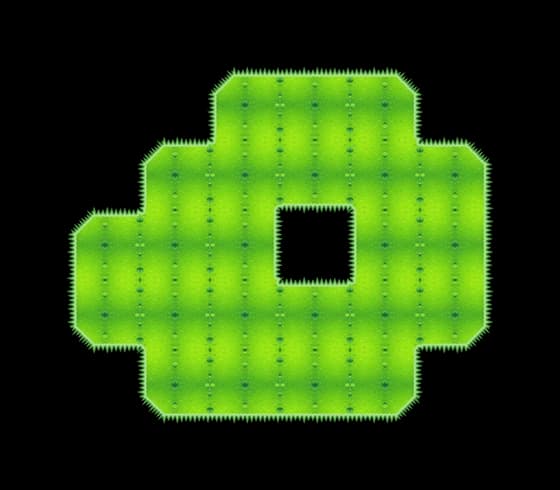 Flat
Flat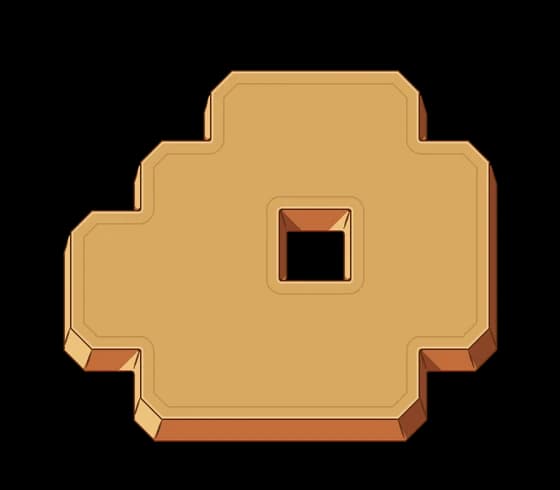 Raised
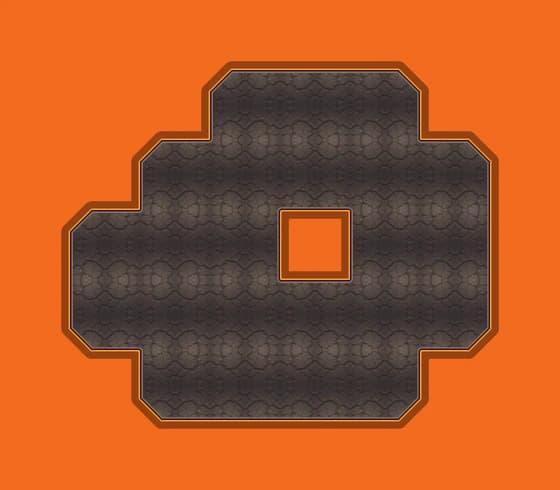 Sunken
 Water
Water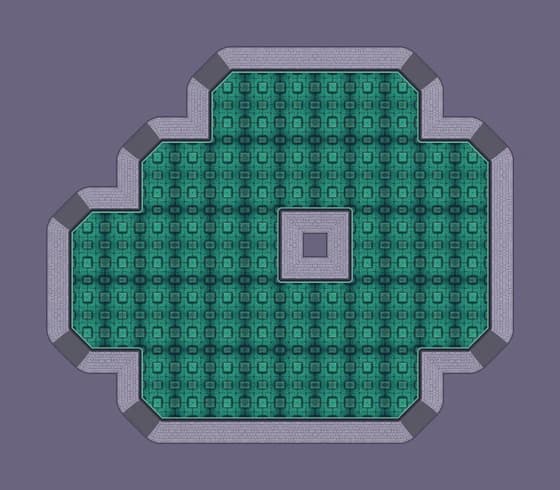 Room
Room
Ten edge profiles
Grass blades, scallops, rocky cuts, dunes, saw teeth, clouds, drips and spikes.
suave · puas · feston · rocas · dunas · sierra · nubes · goteo · espinas · custom
Same seed, same tileset
Every output is reproducible, pixel for pixel. Re-export next year and get the identical file. No slot-machine rerolls.
seed=7 → identical output
Godot-native export
Not a picture of a tileset: a tileset.tres with terrain bits painted, collision shapes and a water shader. Drag in, paint, play.
tileset.png + tileset.tres + water.gdshader
Seamless, measured
Every export runs a seam check: the tile-by-tile rebuild is compared against the continuous render. Our presets measure 0.003–0.014% difference.
seam-check · 0.003–0.014% diff · PASS
Works without AI, too
The full designer, every preset and every export work with procedural palettes alone. AI credits are for texture passes only — never required.
ai_credits_required=0
Where we stand
Your game's look, not generated art.
The geometry is math; the AI only paints textures you approve — and we say so out loud.
We don't generate images that look like tilesets. We generate tilesets: the edges are computed, the terrain bits are painted, the collisions are shaped, and the seams are measured before you ever see an export.
No AI in your geometry. Ever.
Pricing
Free to design. Pay when you ship.
AI credits never expire — no subscription, no monthly reset. Buy once and texture whenever, even years later.
FAQ
Straight answers about AI use, licensing, Godot versions and refunds
Is this AI-generated art?
The tile geometry is procedural math — no AI. Edges, transitions, terrain bits and collisions are computed, deterministic and seed-reproducible. AI is only used, optionally, to texture surfaces — and it's labeled as such. You can use TileSmithy with zero AI.
Can I use the tilesets in commercial games?
Yes. Everything you export is yours to use in commercial and non-commercial projects, no attribution required. Your first Free export each month is watermark-free; the rest carry a watermark, and Pro exports never do.
Which Godot versions are supported?
Exports target Godot 4 (4.1 and later): a tileset.tres using Godot 4 terrain sets, plus the spritesheet PNG. The PNG works in any engine — Unity, Tiled, or your own.
What's the watermark on the Free plan?
A small repeating tilesmithy.com label over the spritesheet. Your first export each month is watermark-free, so you can ship one real tileset before paying. Your design is never limited — upgrade to Pro and re-export the exact same tileset, clean.
What exactly is deterministic?
Everything except the optional AI texture pass: geometry, edge profiles, transitions, terrain bits and collisions. The same parameters and seed produce the identical tileset every time. AI textures are cached per prompt, so re-exports stay stable too.
What's your refund policy?
Pro: full refund within 14 days, no questions asked. Credit packs: refundable while unused — and since credits never expire, there's no pressure to spend them.
Stop painting 47 tile variants.
Design the terrain, export the tileset. The free plan includes the full designer, every preset and 3 exports a month.
Start free